Report-1
Stock Level Report
Icon
Output-
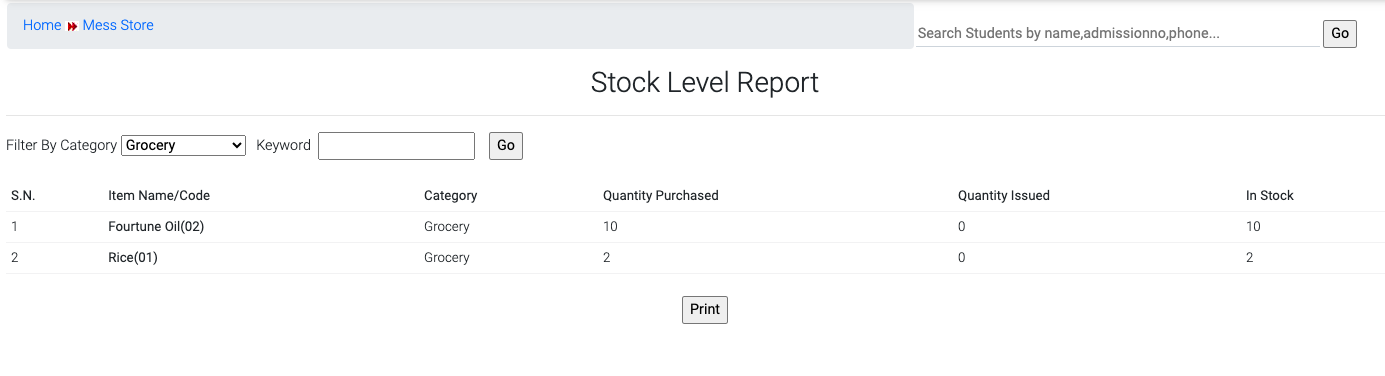
From this report you check the category wise status report of the item like Quantity purchased, Quantity Issued & item In stock available. Choose the category from drop-down and click on Go button.
Report-2
Stock Ledger
Icon
Output-
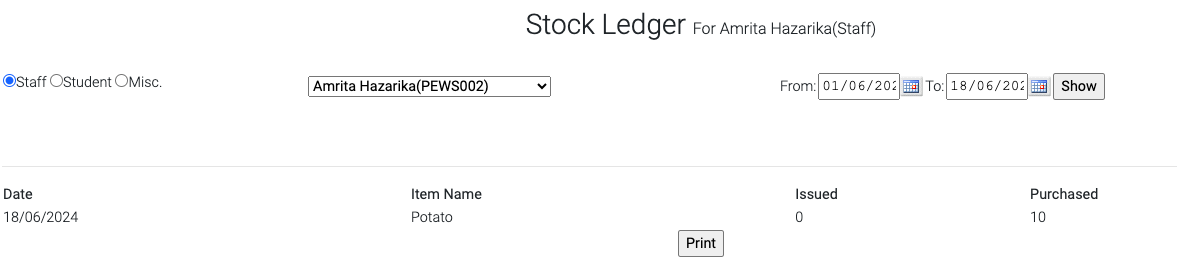
From this report you can check the staff wise item purchased details. Choose the Staff or Student now choose the staff name from drop-down select the date range and click on Show button
Was this article helpful?
That’s Great!
Thank you for your feedback
Sorry! We couldn't be helpful
Thank you for your feedback
Feedback sent
We appreciate your effort and will try to fix the article